
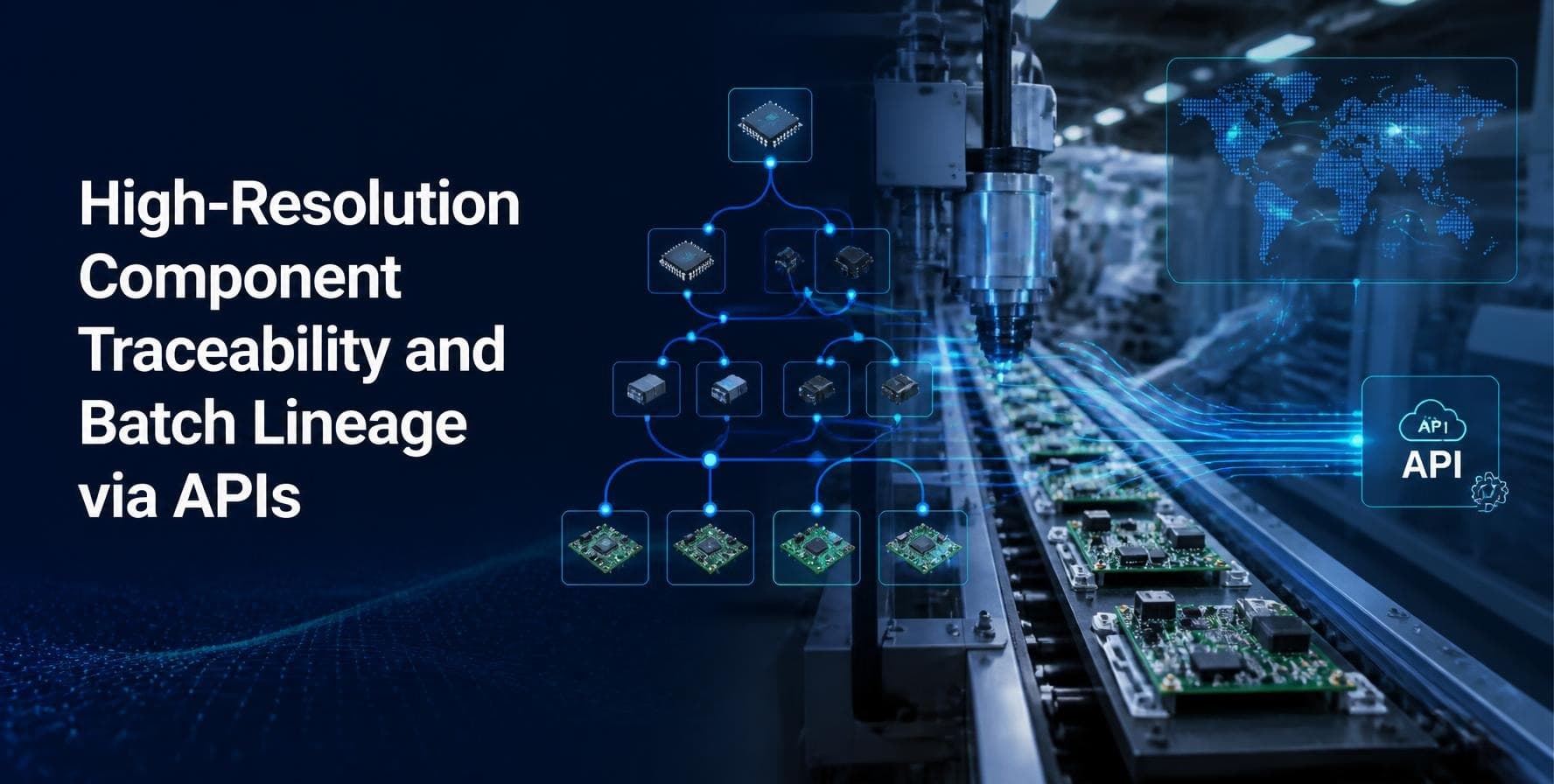
High-Resolution Component Traceability and Batch Lineage via APIs
Introduction
A customer calls to say that a batch of finished goods has a defect. The quality manager asks a simple question: which supplier lot of which component went into those units, and where else did that lot go? In many plants, the honest answer is "give us two days." People pull paper travelers, search spreadsheets, and ask the floor what they remember.
That delay costs real money. A recall that should cover 400 units ends up covering 4,000 because nobody can prove which units are safe. Regulators, auto makers, food companies and medical device makers all expect a faster answer, and they expect it to be backed by data, not memory.
Component traceability means knowing exactly which parts, materials and lots went into each finished unit. Batch lineage is the wider family tree. It shows how one batch was created from other batches, split into smaller lots, mixed with others and shipped to customers. When both are captured at a fine level of detail and exposed through APIs, any system or person can ask the question and get an answer in minutes.
This article explains what high-resolution traceability looks like, which data you need, how APIs make it usable, and where planning tools such as SAP PPDS fit into the picture. You will find tables you can use as a working checklist, along with a rollout path and the mistakes we see most often.
Quick Facts
Understanding Component Traceability
Traceability is not a single feature. It is a chain of records, and the chain is only as strong as its weakest link. If you know the supplier lot that arrived at the dock, but you lose it when the material moves to a line side bin, the trail ends there.
Many plants capture traceability at the level of the production order. They know that order 4711 used "a lot of resin" during the week. That is low resolution. High resolution means you know that unit serial 88213 received a part from lot A-2291, that the part was fitted on station 6 at 14:32, and that the torque tool used was in calibration at that moment.
Levels of traceability resolution
You do not need event level detail for every product. A low-risk item may be fine at batch level. A brake part or an injectable drug needs much more. The right approach is to match the resolution to the risk and the regulation.
Understanding Batch Lineage
Batch lineage shows how material changes form as it moves. A single supplier lot of raw flour may be split across three mixers, combined with other lots, baked into several finished batches and then packed into hundreds of cartons for different customers. Drawing that picture by hand during a recall is painful and error prone.
Lineage is best stored as a graph, not a flat table. Each batch is a point. Each movement, split or merge is a link between points. With that structure, a question like "show me everything that touched lot 5503" becomes a simple walk along the links, in either direction.
Events that create lineage links
- Goods receipt of a supplier lot into stock
- Goods issue of a lot to a production order
- Production output that creates a new batch
- Splits, where one batch becomes several smaller lots
- Merges or blends, where several batches become one
- Rework, returns and scrap movements
- Shipment of finished batches to customers or other plants
Rework and returns are the events people forget. If a returned unit goes back into stock and is later shipped again, your lineage must show that loop. Otherwise the trace will be wrong exactly when it matters most.
Why APIs Change the Game
Traceability data usually lives in many systems. The ERP holds batches and orders. The MES holds station events. The quality system holds inspection results. The supplier portal holds certificates. The warehouse system holds bin moves. Without a clean way to join these, the answer to a recall question is still a manual project.
APIs solve this by giving each system a standard way to publish and request data. Instead of a nightly file that is already stale when it arrives, a system can ask a question in real time and receive a structured answer. This has three clear benefits.
- Speed. A trace query that used to take a day can run in seconds because the systems respond directly.
- Consistency. Everyone reads from the same source, so quality, logistics and the customer service team see the same story.
- Reach. Suppliers and customers can be given controlled access, which shortens the back and forth during an incident.
Typical API calls in a traceability setup
Good APIs for traceability share a few habits. They use stable identifiers, so a lot number means the same thing everywhere. They store time stamps in one standard format. They return a clear error when data is missing instead of a silent blank. And they are versioned, so a change on one side does not break the other.
The Data You Need to Capture
High resolution does not mean capturing everything. It means capturing the right few facts, every time, at the point where the event happens. A long list that nobody fills in is worse than a short one that is complete.
Where SAP PPDS Fits In
SAP PPDS, which stands for Production Planning and Detailed Scheduling, is a planning tool. It decides which orders run on which resources and in what order. It is not the system that scans a part on the line. So it is fair to ask why it appears in a traceability article.
The answer is that planning and traceability meet at the order. Every traceable event hangs off an order, and the quality of that order data starts in planning. If the plan creates orders with the wrong components, wrong alternative resources or wrong lot sizes, the trace that follows will carry those mistakes.
- Clean order structure. Planned orders and production orders created through SAP PPDS carry the bill of materials and routing. A tidy structure means consumption can be matched to the right components.
- Lot size control. Planners decide how large a production lot is. Smaller, well-defined lots make lineage easier to follow and recalls narrower.
- Resource assignment. Knowing which line or alternative resource ran an order helps narrow a problem to a machine.
- Batch determination logic. Rules for which batch is picked, such as first expired first out, shape the lineage. Planners should understand their effect.
- Integration with the floor. Confirmations coming back from the shop floor update orders, which is the same stream that traceability APIs rely on.
Put simply, planning shapes the data and the APIs expose it. Teams that treat these as separate worlds often find gaps late, during an audit or a recall.
A Practical Rollout Path
Teams that try to trace everything everywhere on day one usually stall. A staged plan is easier to fund and easier to defend.
Stage 1: Pick the highest risk product
Choose one product family where a recall would hurt the most or where a customer is already asking for better data. Map its full flow from supplier lot to shipped unit. Draw it on a whiteboard with the people who work the line.
Stage 2: Find the gaps
Walk the flow and ask at each step: do we record the lot, the time and the resource? Where does a lot lose its identity? Common gaps are line side bins, rework loops and shared containers that mix lots without a record.
Stage 3: Fix identifiers and capture
Agree on one identifier format for lots and serials. Add scanning where manual entry is the weak spot. Keep the number of fields small and make them mandatory at the station.
Stage 4: Build the APIs
Start with two or three calls: record consumption, record output and run a trace query. Test with real past incidents. Ask whether the system would have answered faster and more accurately than the manual method.
Stage 5: Run a mock recall
Pick a random lot and ask the team to trace it forward and backward within an hour. Time it. Note every place where people reached for a spreadsheet. Fix those gaps, then repeat. Mock recalls are the best test because they copy the real pressure.
Sharing Trace Data with Suppliers and Customers
Traceability gets much more useful when it crosses company walls. A supplier who can see which of its lots ended up in which of your products can act quickly if it finds a fault. A customer who can see the lot history of a delivery is less likely to block the entire shipment while waiting for answers.
The key is controlled access. Give each partner a view limited to what they need. A supplier does not need to see your customer list, and a customer does not need to see your supplier prices. Role based access on the API, together with clear logs of who asked what, keeps the data useful without exposing more than necessary.
Agree on a shared format early. Many industries already use standard lot and serial number formats, and following them saves months of mapping work later.
Measuring Success
Common Mistakes to Avoid
- Tracing at the wrong level. Order level data is not enough for serialized or high risk products.
- Ignoring rework and returns. These loops break lineage when they are not recorded.
- Using different identifiers in each system. If the MES and ERP name the same lot differently, every query needs a translation table.
- Treating APIs as an afterthought. File exports can work for a pilot, but they will not scale to a real recall.
- Skipping security. Trace data can reveal supplier and customer relationships. Control who can see what.
- Never testing. A system that has not been tested with a mock recall will surprise you at the worst time.
Conclusion
Component traceability and batch lineage are no longer extras for regulated industries. They are becoming a basic expectation from customers, auditors and insurers. The plants that handle them well do not rely on heroic effort during an incident. They have clean identifiers, a small set of well-chosen data points and APIs that let any approved system ask a question and get a clear answer.
Start small. Choose one product, map its flow, close the gaps and prove the result with a mock recall. Then widen the scope step by step. Each stage gives you a working improvement, so the effort pays back long before the full vision is finished.
Remember that traceability begins with good planning data. If you work with SAP, a solid SAP PPDS training program helps planners and consultants understand how orders, lot sizes, resources and confirmations are created and why those choices shape every trace that follows. When planning and traceability teams share the same view of the order, the data stays clean and the APIs have something reliable to serve.
The next time a customer asks which lot went into their delivery, you want the answer ready in minutes, with proof. That is what high-resolution traceability is built to give you.
About the Author
This article has been written by the SAP PPDS TechBrainz team. The team works with production planners, supply chain consultants and SAP learners, and shares practical guidance on detailed scheduling, order data, shop floor integration and planning in SAP. Their goal is to explain complex topics in plain language that people can use at work.