
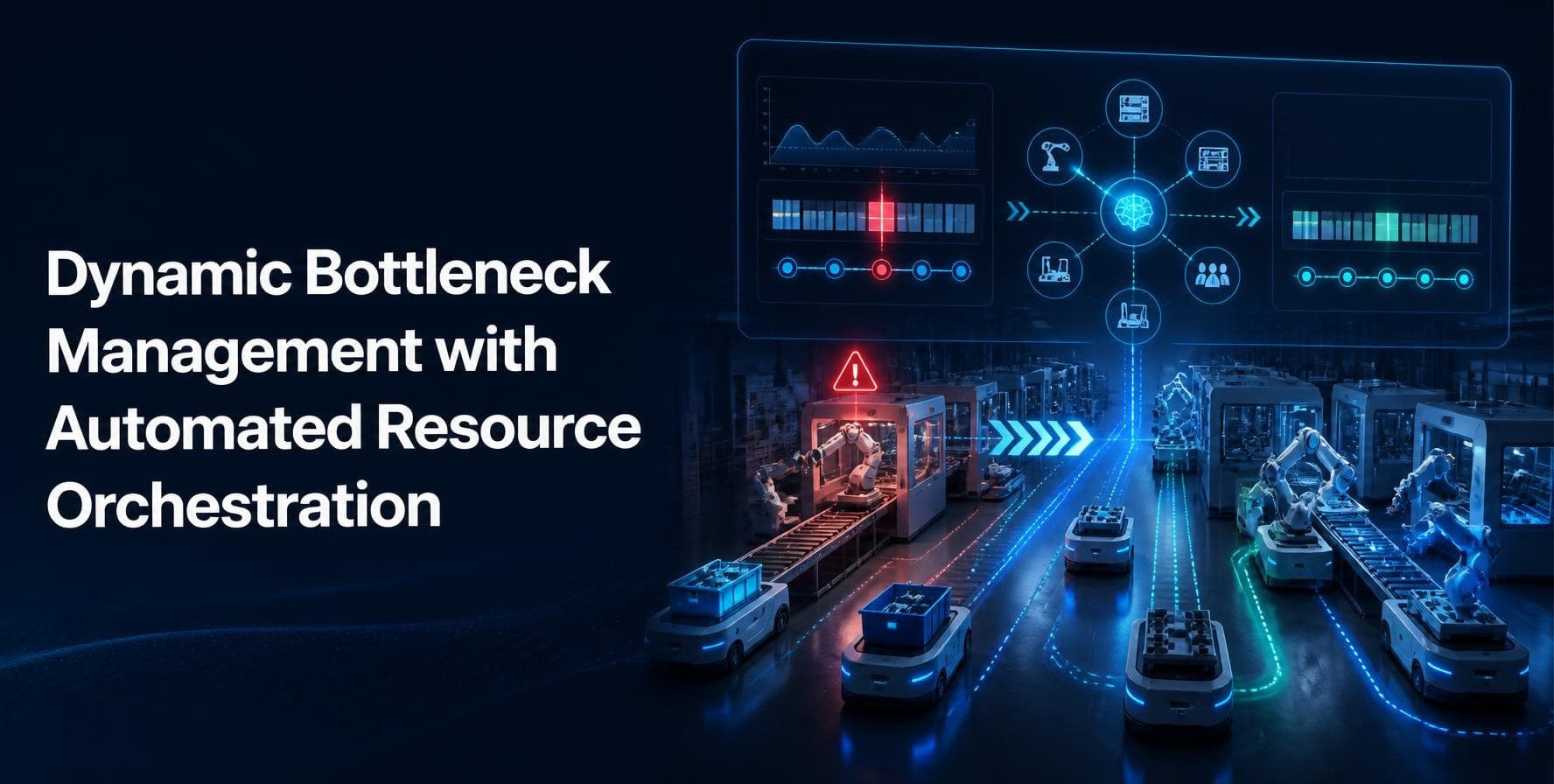
Dynamic Bottleneck Management with Automated Resource Orchestration
Introduction
Every production plan looks good on the day it is released. Orders are sequenced, machines are loaded, and the schedule fits neatly on the screen. Then a press goes down at 10 in the morning, a supplier delivers half a pallet, and two rush orders land on the same line. By lunch, the plan is wrong, and the planner is on the phone trying to fix it.
This is the daily reality in most plants. The slow point in the process keeps moving, and the plan stays still. A bottleneck that sat at the packing line on Monday may shift to the paint shop on Wednesday because the product mix changed. Teams that look at bottlenecks once a week, in a meeting, are always reacting to problems that started days earlier.
Dynamic bottleneck management is the practice of finding the current constraint as it appears and changing the plan around it. Automated resource orchestration is the other half. It moves people, machines, tools and materials to where they are needed without waiting for someone to notice and send an email. Put together, the two ideas turn scheduling from a weekly chore into a steady, daily control loop.
This article explains what both ideas mean, why static planning breaks down, how the pieces fit together, and where a tool like SAP PPDS helps in real projects. You will also find tables you can use as a checklist, a simple rollout path and a list of mistakes we see again and again.
Quick Facts
What a Bottleneck Really Is
A bottleneck is the resource that limits how much the whole system can produce. It is not always the oldest machine or the one with the longest queue. It is the step where capacity is lowest compared with the demand placed on it. If that step produces 80 units an hour and every other step can do 120, the plant makes 80 units an hour, no matter how well the rest is run.
This matters because an hour lost at the bottleneck is an hour lost for the entire plant. An hour lost at a non-bottleneck step usually costs nothing, because that step has spare time to catch up. Many teams spend their improvement budget on the wrong machines for exactly this reason. They fix what is visible instead of what is limiting.
Types of bottlenecks
Bottlenecks are not only machines. In planning work we see five main types, and each one needs a different response.
Why Static Planning Fails
Most plants still run on a plan that is built once and then patched by hand. The patching is where time and money disappear. A planner opens a spreadsheet, moves a few orders, calls a supervisor, and hopes the change does not break something else. By the time the change reaches the floor, the situation has often moved again.
There are three reasons this approach struggles.
- The plan ages quickly. A schedule is only a forecast of what will happen. Every breakdown, delay and change makes it a little less accurate, and nobody has a clear view of how far off it is.
- The constraint moves. When the product mix changes, the limiting resource changes with it. A plan that was built around last week's bottleneck can protect the wrong machine.
- Manual replanning is slow. A good planner can rebuild a day of schedule in an hour or two. A breakdown can change the picture in five minutes. The gap between the two is where late orders are born.
None of this is a criticism of planners. They are usually the people holding the plant together. The problem is that we ask them to solve a fast, moving puzzle with slow tools.
What Dynamic Bottleneck Management Means
Dynamic bottleneck management treats the constraint as something that changes during the day, and builds the process to match. Instead of one fixed answer, you have a loop that runs again and again: measure, identify, decide, act and check.
The five steps of the loop
- Measure. Collect live data on machine status, queue length, order progress, material arrival and staffing. The data does not have to be perfect, but it has to be current.
- Identify. Compare load against available capacity for every resource in the planning horizon. The resource with the highest load ratio, or the longest waiting line, is the current constraint.
- Decide. Choose how to respond. Options include resequencing, splitting a lot, using an alternative machine, shifting a shift, or pushing a low priority order out.
- Act. Send the new sequence to the floor and update the dependent steps, such as material picking and tool preparation.
- Check. Look at the result an hour later. Did the queue shrink? Did the constraint move? If so, the loop starts again.
The key shift is in mindset. The plan is no longer a document. It is a living set of decisions that gets refreshed whenever the facts change. Planners stop asking "what is the plan?" and start asking "what is the best plan right now?"
What Automated Resource Orchestration Adds
Finding the bottleneck is only half the work. Someone still has to move things around so the constraint is protected. This is where automated resource orchestration comes in. It is a set of rules and system actions that assign and reassign resources without a person doing each step by hand.
Think of a busy airport. Gates, crews, fuel trucks and baggage carts are all scheduled against flights that keep changing. No single person could track every move, so the system proposes assignments and people approve the exceptions. Factories can work the same way.
What gets orchestrated
- Machines and work centers, including alternative lines that can run the same product
- People and skills, matched to shifts and certifications
- Tools, dies, fixtures and molds that are shared across lines
- Materials and components, timed to arrive just before they are needed
- Transport and internal logistics, such as forklifts and AGVs
Good orchestration is rule based at first. For example, if the primary line is down for more than 30 minutes, move the order to line two if the tool is free, otherwise split the lot. As confidence grows, the rules get richer, and optimization methods can weigh cost, due dates and changeover time together.
How the Two Work Together
Dynamic bottleneck management answers the question of where the problem is. Automated resource orchestration answers the question of what to do about it. Neither one is very useful alone. Detection without action creates alerts that people learn to ignore. Action without detection moves resources around with no clear target.
Here is a simple example. A plant runs three injection molding machines and one shared assembly cell. Early in the shift, the assembly cell is the constraint. The system notices the queue is growing, so it asks the molding machines to produce in smaller batches that match what assembly can take. At 11:00, an operator is absent, and the assembly cell loses a third of its capacity. The system recalculates, shifts two rush orders to the next day, pulls forward a lower effort job, and tells the material team to hold a delivery. Nobody had to open a spreadsheet.
Where SAP PPDS Fits In
SAP PPDS, short for Production Planning and Detailed Scheduling, is built for this kind of work. It sits between the high level supply plan and the shop floor, and it works at the level of individual orders, resources and operations. For plants that already run SAP, it is the natural place to build dynamic bottleneck management.
Several features of SAP PPDS map directly to the ideas in this article.
- Finite capacity planning. The system respects real resource limits, so the plan shows what can actually be produced instead of an ideal number.
- Planning heuristics. Planners can run saved methods to schedule, level or reschedule orders based on rules, which makes quick replanning repeatable.
- Optimizer. For complex cases, the optimizer balances due dates, setup time and resource cost to find a better sequence than a manual attempt.
- Alternative resources and modes. Operations can be defined to run on more than one resource, which gives the system room to move work when one line is blocked.
- Detailed scheduling board. Planners see load, gaps and overloads in one view, and can drag and drop orders with immediate feedback.
- Alerts and monitoring. The system can flag overloads, late orders and missing components so planners focus on exceptions.
The tool does not do the thinking for you. It gives you a place to define the rules and a quick way to apply them. If the master data is wrong, with unrealistic run times or missing alternative resources, the plan will be wrong too, only faster.
A Practical Path to Implementation
Teams often try to automate everything at once and stall. A staged approach works better, and each stage delivers something useful on its own.
Stage 1: Get the data right
Check run times, setup times, shift calendars and resource definitions. Walk the floor and compare the numbers in the system with what operators say actually happens. Even small errors here will spoil every later step. Plan a few weeks for this and do not skip it.
Stage 2: Make the constraint visible
Before automating any decisions, simply show the current bottleneck on a screen that planners and supervisors see every day. Track load ratio and queue time for the key resources. This alone changes behavior, because people start protecting the constraint without being told.
Stage 3: Write the response rules
Sit with experienced planners and write down what they do when a constraint is hit. Which orders move first? When do they split lots? Which customers get priority? These informal habits become the first set of rules. Start with five to ten rules, not fifty.
Stage 4: Automate the simple moves
Let the system handle low risk actions on its own, such as resequencing within a shift or moving an order to an alternative line. Keep human approval for anything that affects a customer date or a large cost. Review the results each week and adjust.
Stage 5: Close the loop with the floor
Connect shop floor confirmations so the plan updates when jobs start, finish or stop. Without this feedback, the plan drifts away from reality and planners lose trust. With it, the loop runs tightly and the plan stays current.
Metrics That Show Progress
Choose a small number of measures and track them from the start, so you can show the change. Too many metrics bury the message.
The last metric is worth a closer look. If planners override the system all the time, either the rules are poor or the master data is wrong. Treat each override as feedback and find out why it happened.
Common Mistakes to Avoid
- Chasing every machine. Only the constraint sets the pace. Spend your effort there first.
- Trusting poor data. Automation multiplies errors. Fix the master data before you automate decisions.
- Removing the planner. The goal is to free planners from routine work, not replace their judgment. They handle the exceptions the rules do not cover.
- Starving the constraint. Do not let the bottleneck wait for material, tools or people. A small buffer in front of it is cheap insurance.
- Overloading the plan. Pushing too many orders into the system creates long queues without more output. Release work at the pace the constraint can handle.
- Ignoring change management. People need to see why the system suggests a move. Explain the logic, show the results and invite feedback.
Conclusion
Bottlenecks will never go away. They only move. The plants that perform well are the ones that notice the move early and respond before the queue builds. Dynamic bottleneck management gives you that awareness, and automated resource orchestration gives you the speed to act on it.
The approach does not call for a huge budget or a full rebuild of your planning process. Start with clean data, make the constraint visible, write down the rules your best planners already use, and automate the simple moves first. Each step pays back on its own, and together they give you a plan that stays useful through the whole shift.
If you work with SAP, the tools are already within reach. Planners and consultants who understand finite scheduling, heuristics and the optimizer can build this loop faster and with fewer mistakes. A good SAP PPDS training program helps teams learn how to set up resources, define alternative modes, run the optimizer and read the planning board with confidence, so they can apply these ideas in real projects rather than only in theory.
Begin with one line, one constraint and a handful of rules. Measure the result, learn from it and expand. That steady, practical approach is what turns a good idea into better output on the floor.
About the Author
This article has been written by the SAP PPDS TechBrainz team. The team works with production planners, supply chain consultants and SAP learners, and shares practical guidance on detailed scheduling, capacity planning and shop floor planning in SAP. Their goal is to explain complex planning topics in plain language that people can use at work.