
SAP Generative AI Hub: A Practical Guide to LLM Integration, Model Orchestration and AI Application Development
SAP Generative AI Hub: A Practical Guide to LLM Integration, Model Orchestration and AI Application Development
Every enterprise team is now having the same conversation: we know large language models can help, but how do we use them on top of SAP data without leaking sensitive information, locking ourselves into one vendor, or ending up with a pile of one-off prototypes nobody can maintain? SAP Generative AI Hub is SAP's answer. It gives developers and architects a governed, single-entry point to multiple large language models, along with the tooling to orchestrate, secure and monitor them inside SAP Business Technology Platform (SAP BTP).
This guide explains what the hub is, how its pieces fit together, how LLM integration and model orchestration work in practice, and how real project teams move from a use case on a whiteboard to a running AI application. Along the way you will find realistic scenarios, a picture of the day-to-day project work, and answers to the questions consultants and developers ask most.
What Is SAP Generative AI Hub?
SAP Generative AI Hub is a capability of SAP AI Core, delivered on SAP BTP, that provides secure, managed access to large language models from several providers through one consistent interface. Instead of every project team signing separate contracts, juggling separate API keys and writing separate code for each model vendor, teams consume models through SAP's layer, which handles authentication, routing, quotas and tenant isolation.
The hub is administered and explored through SAP AI Launchpad, where you can test prompts in a playground, compare models, manage prompt versions and monitor deployments. For developers, the same capabilities are exposed through REST APIs and SDKs, so they can be called from Python scripts, Node.js services, Java applications or projects built with the SAP Cloud Application Programming Model (CAP).
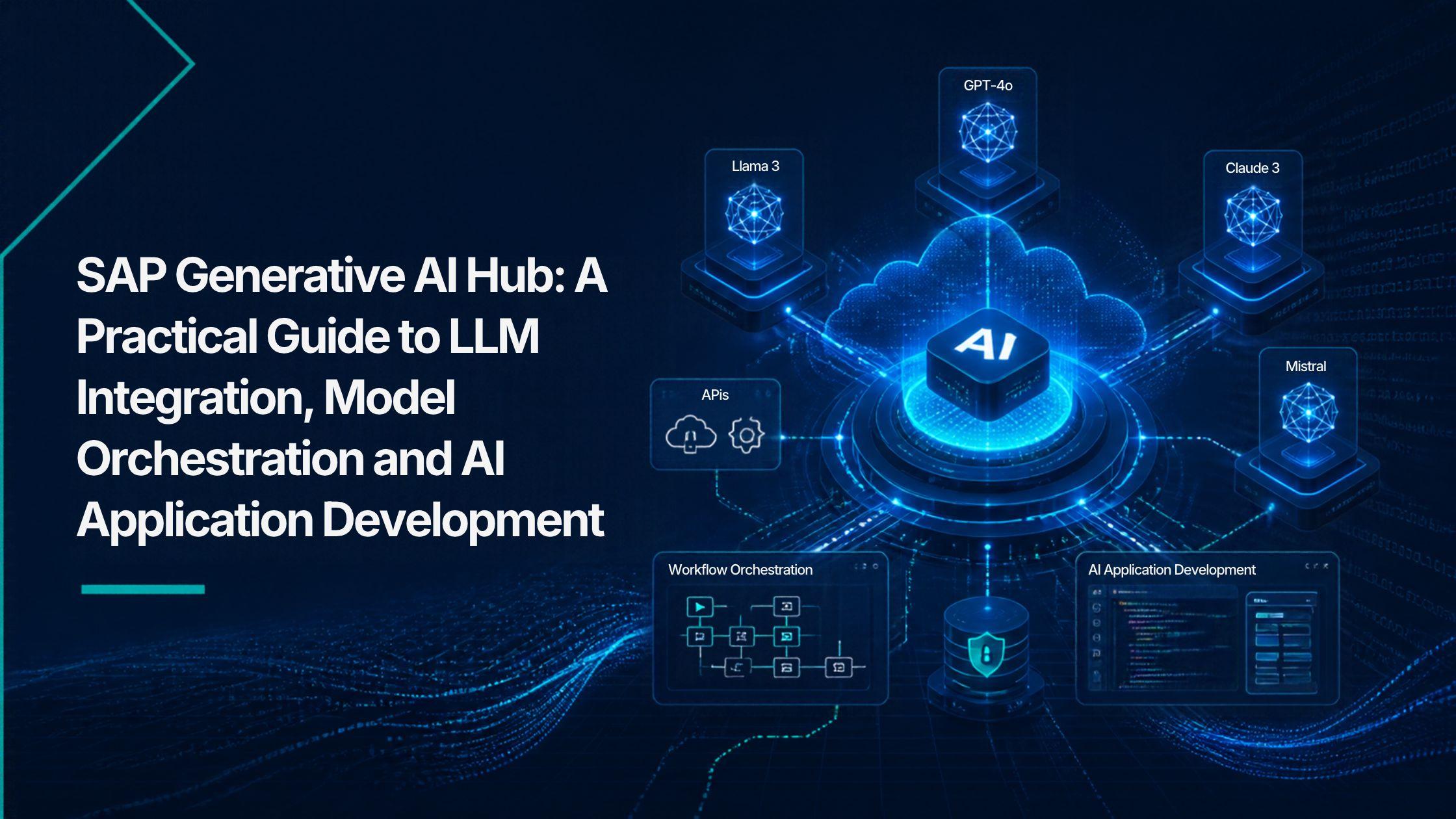
Three ideas define the hub. The first is choice: you can select among models from providers such as OpenAI (through Azure), Anthropic, Google, Mistral AI and Meta, depending on your region and what SAP has made available at the time. The second is control: security, data masking, content filtering and auditing live in the platform rather than being re-implemented in every application. The third is context: the hub is built to bring SAP business data and documents into prompts in a governed way, which is what separates a useful enterprise assistant from a generic chatbot.
Core Architecture: How the Pieces Fit Together
Understanding the building blocks makes every later design decision easier. A typical landscape includes the following components:
- SAP AI Core: the runtime that hosts scenarios, configurations, deployments and executions. Resource groups let you separate teams, projects or tenants so that one group's work does not interfere with another's.
- Generative AI Hub: the model catalog and proxy layer. For each model you want to use, you create a configuration and a deployment, and your application calls the deployment endpoint instead of the vendor's own API.
- Orchestration service: a pipeline that wraps the model call with templating, grounding, data masking and content filtering, so policies are applied consistently.
- SAP AI Launchpad: the user interface for administrators, prompt engineers and data scientists to manage connections, experiment with prompts and review usage.
- Surrounding BTP services: Authorization and Trust Management for security, Destination service for connectivity, Cloud Foundry or Kyma for hosting your application, SAP HANA Cloud (including its vector capabilities) for semantic search, and SAP Integration Suite for connecting back-end systems.
The request flow is straightforward. A user acts in an application, the application authenticates and sends a request to the orchestration endpoint, the pipeline builds the final prompt, masks sensitive values, calls the chosen model, filters the response and returns it to the application. Your code only talks to one endpoint, and the platform manages everything behind it.
LLM Integration: Connecting Models to Your Applications
Getting from zero to a first working call follows a predictable sequence. You subscribe to or provision SAP AI Core with the extended service plan, which is required for the generative capabilities. You then create a resource group, define a configuration that names the model and version you want, and create a deployment from it. Once the deployment is running, your application obtains an OAuth token using the service key and sends requests to the deployment URL, including the resource group in the request header.
The real benefit appears after that first call. Because the application depends on the platform's interface rather than a specific vendor, changing the model becomes a configuration task instead of a rewrite. If a newer model offers better quality, or a smaller model is cheaper for a high-volume task, you can test and switch without redesigning your solution. Model availability changes over time and varies by region, so always confirm the current list in SAP's documentation before you commit to a design.
Choosing the right model is part of integration, not an afterthought. The table below shows how teams usually think about it.
Model Orchestration: Making Prompts Production-Ready
A prompt sent straight to a model is fine for a demo. Production use needs guardrails, context and consistency. That is the job of orchestration, which chains several steps into one managed pipeline. The main modules are:
- Templating: prompts are written once with placeholders, such as customer name or invoice number, and filled at runtime. This keeps wording consistent and makes prompts easy to version and review.
- Grounding: relevant business documents or data are retrieved and inserted into the prompt so that answers are based on your content, which reduces made-up responses. This is the retrieval-augmented generation (RAG) pattern.
- Data masking: personal or sensitive values are anonymized or pseudonymized before the request leaves your trusted boundary, and can be restored in the response where appropriate.
- Content filtering: both the input and the output are checked against safety categories, so inappropriate content is blocked before it reaches users.
Because these steps are configured in the pipeline, every application that uses it inherits the same protections. A security team can review one orchestration configuration instead of auditing ten different codebases, and a developer can focus on the business logic rather than rebuilding filters and masking from scratch.
Prompt Engineering and Lifecycle Management
In enterprise projects, prompts are assets, not throwaway text. SAP AI Launchpad provides a prompt editor and a prompt registry where teams can draft, test against several models, save versions and share templates. A prompt engineer can adjust the wording, run it against sample inputs and compare the output of different models side by side before a developer ever touches the code.
Building AI Applications on SAP BTP
A typical generative AI application on BTP has four layers. The experience layer is an SAP Fiori or SAPUI5 interface, an SAP Build Apps screen or an embedded assistant. The application layer is a CAP service or a custom microservice running on Cloud Foundry or Kyma, holding the business logic. The AI layer is the orchestration endpoint in the Generative AI Hub. The data layer includes SAP S/4HANA, SAP SuccessFactors or other systems, accessed through OData or APIs, plus SAP HANA Cloud for document embeddings.
Developers can use the Python SDK for Generative AI Hub or the SAP Cloud SDK for AI for JavaScript and Java. Popular frameworks such as LangChain can be used on top of the hub, which helps when you need chains, memory or tool calling. A common pattern for richer assistants is to let the model decide which business API to call, for example fetching an open purchase order or checking stock, while the application enforces authorization so the model can never see more than the signed-in user is allowed to see.
Generative AI does not replace your authorization concept: pass the user's identity through the stack and retrieve only what that user may access.
Realistic Scenarios from SAP Projects
The following scenarios are illustrative of how organizations typically apply the hub. Exact outcomes depend on data quality, process maturity and the models used.
Scenario 1: Invoice Dispute Summaries in Finance
A shared services team receives hundreds of supplier invoice disputes each week. Each case involves email threads, purchase order details and goods receipt records scattered across systems. A CAP application pulls the relevant fields through OData, the orchestration pipeline masks bank details, and the model produces a short summary with the likely cause of the mismatch and a suggested next step. The clerk reviews it, edits if needed and sends a draft reply. The human stays in control, but the reading time per case drops noticeably.
Scenario 2: Contract Clause Search in Procurement
Procurement managers need to know which contracts allow early termination or price indexation. Contract documents are chunked, converted into embeddings and stored in SAP HANA Cloud. When a manager asks a question, the application retrieves the most relevant passages and the grounded prompt asks the model to answer only from those passages and cite the source document. Because answers point back to the original clause, legal can verify them quickly.
Scenario 3: Service Ticket Triage in Customer Service
A support center receives tickets in several languages containing names, phone numbers and order references. The pipeline masks personal data, classifies the ticket by topic and urgency using a small, low-cost model, and proposes a reply in the customer's language. Complex cases route to specialists with a generated summary. Using a smaller model for classification and a larger one only when needed keeps cost under control.
How the Real-Time Project Work Looks
Outsiders often imagine AI projects as model tuning. In SAP delivery, most of the effort goes into integration, data access and governance. A realistic engagement for a first use case often runs along these lines.
- Discovery (week 1): business owners and architects list candidate use cases and score them on value, data availability and risk. One focused use case is chosen, not five.
- Environment setup (week 2): the BASIS or platform team provisions SAP AI Core, creates resource groups, sets up roles and connects the subaccount to the required back-end systems.
- Prompt prototyping (weeks 2 to 3): a prompt engineer and a functional consultant test prompts in SAP AI Launchpad with real, anonymized samples and compare two or three models.
- Build and integrate (weeks 3 to 6): developers create the CAP service, wire in the orchestration pipeline, add grounding and implement the user interface and authorization checks.
- Evaluation and testing (weeks 5 to 7): business users rate outputs against a test set. The team measures accuracy, latency and cost per request, then tunes prompts or model choices.
- Go-live and run: the application is released to a pilot group, usage and feedback are monitored and prompts are improved in small, versioned steps.
On a normal working day, a developer might spend the morning debugging why a retrieval step returns the wrong paragraph, the afternoon adjusting a template after a business user reports an awkward tone, and the end of the day reviewing token usage in the dashboard. A functional consultant validates answers against business rules, while a security lead checks that masking and logging match company policy.
Common challenges are predictable. Poor document quality leads to poor answers, so cleaning source content often matters more than changing models. Latency can frustrate users, so streaming responses and smaller models help. Costs can rise unnoticed, so quotas and monitoring should be set early. And stakeholders may expect perfection, so it is vital to position the assistant as a helper with human review for high-impact decisions.
Best Practices for Successful Adoption
- Ground every factual answer: require the model to answer from retrieved content and show its sources.
- Keep humans in the loop: especially for financial postings, legal wording and customer commitments.
- Test with a fixed evaluation set: rerun it after every prompt or model change to catch regressions.
- Monitor cost and quality: track token usage, response time and user feedback from the first pilot day.
Frequently Asked Questions
1. What is SAP Generative AI Hub in simple terms?
It is a managed layer within SAP AI Core on SAP BTP that lets your applications use several large language models securely through one interface, with built-in tools for prompt management, orchestration, masking and filtering.
2. How is it different from calling an LLM provider's API directly?
Direct calls leave you responsible for keys, security, data protection, monitoring and vendor-specific code. The hub centralizes those concerns, lets you switch models with configuration changes and keeps usage inside SAP's governed platform.
3. Which models can I use?
SAP offers models from multiple providers, including options from OpenAI through Azure, Anthropic, Google, Mistral AI and Meta. The exact list and regional availability change regularly, so check SAP's official model availability documentation before planning.
4. Do I need SAP AI Core to use it?
Yes. The Generative AI Hub is part of SAP AI Core, and you need the extended service plan to access it. SAP AI Launchpad is then used to manage and test your configurations and prompts.
5. How does the hub protect sensitive business data?
Through several layers: tenant isolation using resource groups, role-based access, data masking in the orchestration pipeline, content filtering for inputs and outputs, and logging for audits. You still need to design authorization correctly in your own application.
6. What skills does a team need to build applications with it?
A balanced team includes a developer comfortable with Python, JavaScript or Java and CAP, a platform administrator for SAP BTP, a functional consultant who knows the business process and someone responsible for prompts and evaluation. Deep machine learning expertise is usually not required for application development.
7. Can I use my own SAP and non-SAP data with the models?
Yes, through grounding and RAG. Documents can be embedded and stored in a vector-capable database such as SAP HANA Cloud, while structured data can be fetched through APIs. Only the relevant, authorized information is added to the prompt at request time.
8. How do I control costs?
Choose the smallest model that meets quality needs, shorten prompts, limit retrieved context, apply quotas per resource group and monitor token consumption from the start. Using a cheaper model for classification and a stronger one only for complex steps is a common tactic.
Conclusion
SAP Generative AI Hub turns large language models from risky experiments into manageable enterprise building blocks. By offering model choice, orchestration, masking, filtering and prompt lifecycle tools in one governed place, it lets teams concentrate on solving business problems rather than wiring infrastructure. The projects that succeed are usually the ones that start with a focused use case, ground answers in trusted data, keep people involved and measure results from day one.
If you want to move from reading about the hub to building with it, structured learning makes a big difference. Hands-on SAP Gen AI training helps you practice real configurations, orchestration pipelines, RAG design and BTP integration under the guidance of experienced instructors, so you can deliver dependable AI applications with confidence in a market that is clearly moving toward intelligent, AI-assisted SAP landscapes.
About the Author
TechBrainz Team — This article was written by the TechBrainz Team, a group of SAP consultants, cloud architects and trainers who work with SAP BTP, SAP AI and enterprise integration projects. TechBrainz focuses on practical, job-ready learning, turning complex SAP technologies into clear guidance that professionals can apply directly in real implementations.