
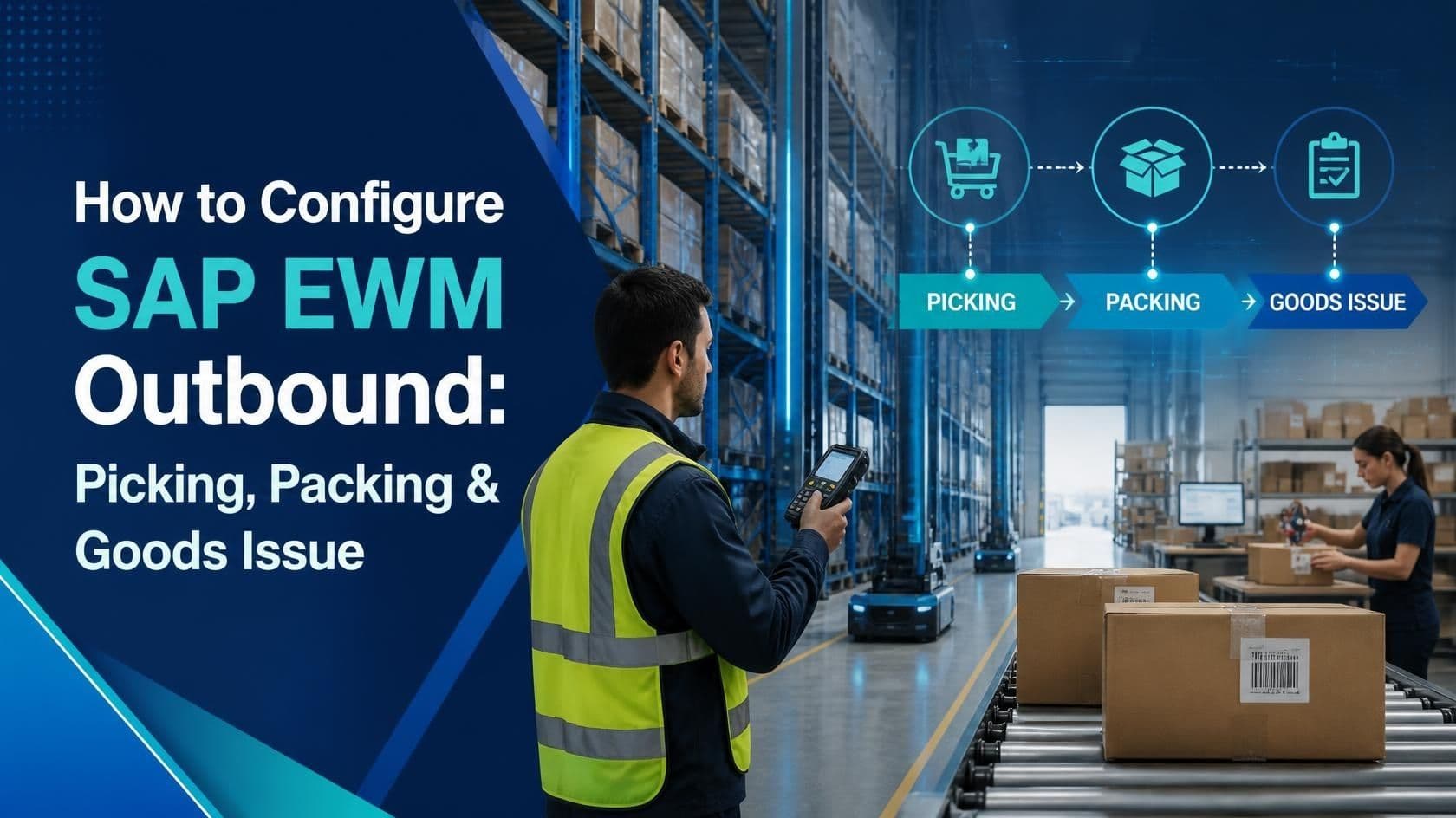
How to Configure SAP EWM Outbound: Picking, Packing & Goods Issue
Warehouses today are judged by a single question: how fast and how accurately can an order move from a storage bin to a truck door? In SAP Extended Warehouse Management, that journey is called the outbound process, and it is built on three pillars that every implementation consultant must get right the first time: picking, packing, and goods issue. Get these three steps wrong and the entire warehouse slows down, customers receive incomplete shipments, and inventory accuracy collapses within weeks.
This article walks through the complete configuration of SAP EWM outbound processing in plain language, backed by tables, comparisons, and real project scenarios. Whether you are a functional consultant setting up a new warehouse, a business analyst trying to understand what your IT team is building, or a student preparing for SAP EWM training, this guide is written so you can follow along and actually apply it on your own system.
What Is the SAP EWM Outbound Process?
The outbound process in SAP EWM covers everything that happens from the moment a delivery is created in the system to the moment goods physically leave the warehouse. It typically flows through outbound delivery creation, warehouse request generation, wave management, picking, packing, staging, loading, and finally goods issue posting. Each of these steps has its own configuration settings, and each one talks to the next through a warehouse task, which is the basic unit of work inside EWM.
Unlike classic SAP WM, EWM treats the warehouse as an independent, self-contained execution layer. It receives requests from ERP or S/4HANA, converts them into warehouse-specific documents, and only reports results back once physical activity is complete. This separation is what allows EWM to support complex logistics such as wave picking, pick by voice, pick by light, cluster picking, and automated goods issue triggers.
Standard Outbound Flow at a Glance
| Step | Document / Object | Purpose |
|---|---|---|
| 1. Delivery creation | Outbound Delivery Order (ODO) | Represents the customer or plant requirement in ERP/S4 |
| 2. Warehouse request | Delivery in EWM | Mirrors the ODO inside the EWM warehouse structure |
| 3. Wave assignment | Wave | Groups deliveries for coordinated release to the floor |
| 4. Warehouse task creation | Warehouse Task (WT) | Instructs the worker or robot on the actual movement |
| 5. Picking | Warehouse Task confirmation | Physical removal of stock from source bin |
| 6. Packing | Handling Unit (HU) | Consolidation of picked stock into cartons, pallets, or containers |
| 7. Staging & loading | Door / staging area | Movement of packed HUs to the shipping dock |
| 8. Goods issue | Goods Issue posting | Final inventory reduction and financial posting |
Configuring the Picking Process
Picking is the process of physically retrieving stock from a storage bin to fulfil a warehouse task. In EWM, picking configuration begins in the warehouse process type and extends through storage type search sequences, wave templates, and picking strategies. A well-designed picking setup reduces travel distance inside the warehouse and increases the number of lines picked per labour hour, which is the single most watched metric on any warehouse floor.
Key Configuration Steps for Picking
- Define the warehouse process type in SPRO under Extended Warehouse Management, Cross-Process Settings, Warehouse Task, and assign it to the relevant process category such as picking.
- Set up the storage type search sequence so the system knows in which order to look for stock, for example bulk storage before fixed bin, or full pallet before broken case.
- Configure the picking strategy at the storage type level, choosing between FIFO, LIFO, fixed bin, nearest bin, or partial quantity first, depending on the product characteristics.
- Build wave templates so deliveries are grouped logically by carrier, route, or shipping priority, rather than releasing every delivery individually.
- Assign resource groups and queues so warehouse tasks are routed to the correct labour pool, whether that is a forklift operator, a manual picker, or a pick-by-voice device.
- Activate RF or mobile data entry transactions so pickers confirm warehouse tasks directly from a handheld scanner on the floor.
Picking Strategy Comparison
Choosing the right picking strategy is not a one-size-fits-all decision. The table below compares the most commonly used strategies so you can match the right one to your product and volume profile.
| Strategy | How It Works | Best Suited For |
|---|---|---|
| FIFO (First In First Out) | System picks the oldest stock first based on goods receipt date | Perishables, batch-managed materials, food and pharma |
| LIFO (Last In First Out) | System picks the most recently received stock first | Bulk commodities where age is not a quality concern |
| Fixed Bin Picking | Stock always picked from a designated, unchanging bin | Fast-moving items in a forward pick area |
| Nearest Bin / Shortest Path | System selects the bin closest to the picker's current position | High-volume warehouses aiming to cut travel time |
| Partial Quantity First | System exhausts open, partially filled bins before opening a new one | Warehouses trying to free up storage space and reduce bin count |
Configuring the Packing Process
Packing in SAP EWM is managed through Handling Units, commonly referred to as HUs. A handling unit can represent a carton, a pallet, a container, or any other physical packaging object, and it carries its own identification number, weight, dimensions, and content list. Packing configuration ensures that picked stock is consolidated correctly before it moves to the shipping dock, and that the system always knows exactly what is inside every box or pallet leaving the building.
Key Configuration Steps for Packing
- Define packaging materials in the material master, including weight, volume, and maximum capacity, so the system can suggest the correct carton or pallet automatically.
- Configure packing specifications that link a material or material group to a preferred packaging material, enabling auto-packing during warehouse task confirmation.
- Set up the packing station in the work center configuration, defining whether packing happens at a fixed station, on a mobile device, or directly at the pick face.
- Activate handling unit number ranges and label printing so each HU receives a unique, scannable identifier as soon as it is created.
- Configure the pack profile to decide whether packing is mandatory, optional, or skipped entirely for certain delivery types, such as direct pallet shipments that need no repacking.
- Link the packing step to the subsequent staging and loading process so the system automatically proposes the next warehouse task once packing is confirmed.
Packing Methods Compared
| Method | Description | Typical Use Case |
|---|---|---|
| Pack at Pick Face | Picker packs directly into the shipping carton while picking | Single-line orders, e-commerce, small parcel shipments |
| Pack at Central Station | All picked items are consolidated at a dedicated packing bench | Multi-line orders needing quality checks before dispatch |
| Pack by Pallet | Full or mixed pallets built directly at the storage location | Bulk B2B shipments, retail distribution centers |
| No-Pack / Direct Ship | Stock moves straight from pick to dock without repackaging | Full pallet orders already in shippable condition |
Configuring Goods Issue
Goods issue is the final and most critical step of the outbound process. It reduces warehouse inventory, updates financial stock value, and confirms to the ERP or S/4HANA system that the delivery has physically left the facility. In SAP EWM, goods issue can be triggered automatically once the last warehouse task for a delivery is confirmed, or it can be posted manually by a supervisor after a final verification check.
Key Configuration Steps for Goods Issue
- Define the warehouse process type for staging and loading so the system recognizes when stock has reached the final door before goods issue.
- Set the goods issue posting rule in the delivery-related configuration to decide between automatic posting at final confirmation or manual posting by a shipping clerk.
- Configure the interface between EWM and ERP or S/4HANA using the queue-based or embedded EWM communication channel so goods issue updates flow back to the sales order and accounting documents without delay.
- Activate goods issue reversal settings for scenarios where a shipment is cancelled or returned to the warehouse before the truck actually departs.
- Set up output determination so shipping documents, bills of lading, and goods issue confirmations print automatically once posting is complete.
- Build monitoring and alerting through the EWM Warehouse Management Monitor so exceptions, such as a delivery stuck at staging, are flagged before they delay a truck departure.
Real-Time Project Scenarios
Configuration steps only make sense once you see how they play out on an actual warehouse floor. Below are two real-world style scenarios that illustrate how picking, packing, and goods issue configuration decisions affect daily operations.
Case Study 1: Consumer Goods Distribution Center
A consumer goods distribution center processing around eighteen thousand order lines per day was struggling with late truck departures. On review, the wave templates were releasing every delivery individually instead of grouping them by carrier route, which meant pickers were criss-crossing the same aisles multiple times per shift. By reconfiguring the wave template to group deliveries by shipping route and activating nearest-bin picking strategy for the top moving SKUs, the average pick travel distance dropped noticeably, and dock departures shifted from consistently late to on schedule within the first two weeks of go-live.
Case Study 2: Pharmaceutical Warehouse with Batch Control
A pharmaceutical distributor needed strict FIFO enforcement by expiry date alongside mandatory packing verification for every carton, since regulatory audits required full traceability from bin to shipment. The team configured FIFO picking at the storage type level tied to batch characteristics, combined with a mandatory pack profile that blocked goods issue until every handling unit had a confirmed weight check against its expected value. This closed a gap where mispicked batches had previously slipped through to customers, and it gave the compliance team a clean, system-enforced audit trail for every outbound shipment.
SAP EWM Outbound vs Classic SAP WM: A Quick Comparison
Many organizations migrating from classic Warehouse Management to Extended Warehouse Management want to understand what actually changes in the outbound process. The comparison below highlights the practical differences.
| Aspect | Classic SAP WM | SAP EWM |
|---|---|---|
| Task granularity | Transfer order at document level | Warehouse task at line-item and HU level |
| Packing | Limited handling unit support | Full handling unit management with nested packing |
| Wave management | Basic grouping options | Advanced, rule-based wave templates |
| Labour management | Not natively supported | Integrated labour standards and performance tracking |
| System independence | Runs inside the ERP system | Can run as a decentralized or embedded system |
Common Configuration Mistakes to Avoid
Even experienced consultants run into avoidable problems when setting up outbound processing. Watching for these patterns during configuration and testing can save weeks of rework after go-live.
- Assigning the same storage type search sequence to fast-moving and slow-moving materials, which forces pickers to walk past empty forward-pick bins to reach bulk storage.
- Leaving wave templates too generic, so deliveries for completely different carriers or dock doors get bundled together and create confusion during loading.
- Making every pack profile mandatory by default, which slows down full-pallet shipments that never needed repacking in the first place.
- Skipping resource group and queue design, resulting in warehouse tasks landing in a single queue regardless of whether the right equipment or labour is actually available.
- Configuring automatic goods issue without a fallback manual posting option, which leaves shipping clerks stuck when an interface delay or system exception blocks the automatic trigger.
- Underestimating integration testing between EWM and ERP, since a goods issue posting that does not reach the sales order in time can cause invoicing and customer communication delays.
A short, structured checklist like this one is often the difference between a smooth cutover weekend and a warehouse that spends its first week firefighting instead of shipping.
Frequently Asked Questions
Q1. What is the difference between a warehouse request and a warehouse task in SAP EWM?
A warehouse request is the EWM representation of the outbound delivery received from ERP, while a warehouse task is the actual instruction that tells a worker or piece of equipment to move stock from one bin to another. One warehouse request can generate several warehouse tasks depending on how the stock is split across bins.
Q2. Can picking, packing, and goods issue be automated end to end?
Yes. With the right configuration, automatic wave release, auto-packing based on packing specifications, and automatic goods issue posting at final confirmation can be combined so that a delivery moves from creation to goods issue with minimal manual intervention, though most warehouses keep a manual checkpoint for high-value or regulated shipments.
Q3. What happens if a picker cannot find the quantity specified on a warehouse task?
The picker records a difference during confirmation, known as a pick denial or short pick. EWM then triggers exception handling, which can automatically create a replacement warehouse task from an alternate bin or flag the shortage for a supervisor to resolve manually.
Q4. Is packing mandatory for every outbound delivery in SAP EWM?
No. Packing is controlled through the pack profile assigned to the delivery or warehouse process type. Some deliveries, such as full pallet shipments already in their final shippable form, can be configured to skip the packing step entirely and move directly to staging.
Q5. How does SAP EWM prevent an incorrect delivery from being goods-issued?
Through a combination of mandatory confirmation steps, quality inspection warehouse tasks, and pack verification checks such as weight tolerance validation. Goods issue can be configured to block automatically until every prerequisite step for the delivery has been confirmed as complete.
Q6. What is a wave, and why does it matter for picking efficiency?
A wave is a group of deliveries released together for picking based on criteria such as shipping route, carrier, or priority. Waves matter because releasing deliveries individually creates scattered, inefficient picker movement, while a well-designed wave groups similar work together and significantly reduces travel time on the floor.
Q7. Can SAP EWM handle goods issue for partial shipments?
Yes. If only part of a delivery is picked and packed by the time the truck needs to leave, the system can post goods issue for the confirmed portion while the remaining quantity stays open for a follow-up delivery, provided partial delivery is allowed in the underlying sales or stock transfer document.
Q8. How long does it typically take to configure a full outbound process in a new EWM implementation?
It varies by scope, but a standard outbound configuration covering picking strategies, wave templates, packing specifications, and goods issue automation typically takes a few weeks of focused configuration and testing, not counting the broader project timeline for integration, data migration, and user training.
Conclusion
Configuring the SAP EWM outbound process correctly is what separates a warehouse that ships on time from one that constantly firefight delay. Picking determines how efficiently stock leaves the shelf, packing determines how accurately it is consolidated for shipment, and goods issue determines how cleanly the entire transaction closes out in both the warehouse and the financial books. Each of these steps depends on a series of interconnected configuration decisions, from storage type search sequences and picking strategies to pack profiles and goods issue posting rules, and getting them aligned to your actual business process is what delivers real results on the floor.
If you are looking to build this expertise in a structured way, hands-on SAP EWM training is the most reliable path to understanding how these configuration settings behave in a live system, rather than just in theory. A good training program will walk you through picking strategy setup, handling unit configuration, and goods issue automation using real warehouse scenarios, so you can walk into a project confident that you know not just what each setting does, but why it matters to the people working the floor.
About the Author
TechBrainz SAP EWM Team
This article has been written by the TechBrainz SAP EWM Team, a group of practicing SAP Extended Warehouse Management consultants and trainers who work on live warehouse implementations across manufacturing, retail, and distribution industries. The team specializes in end-to-end EWM configuration, warehouse process optimization, and structured SAP EWM training programs designed for both beginners and experienced consultants looking to deepen their practical, project-ready skills.
© 2025 TechBrainz. All rights reserved. | www.techbrainz.com