
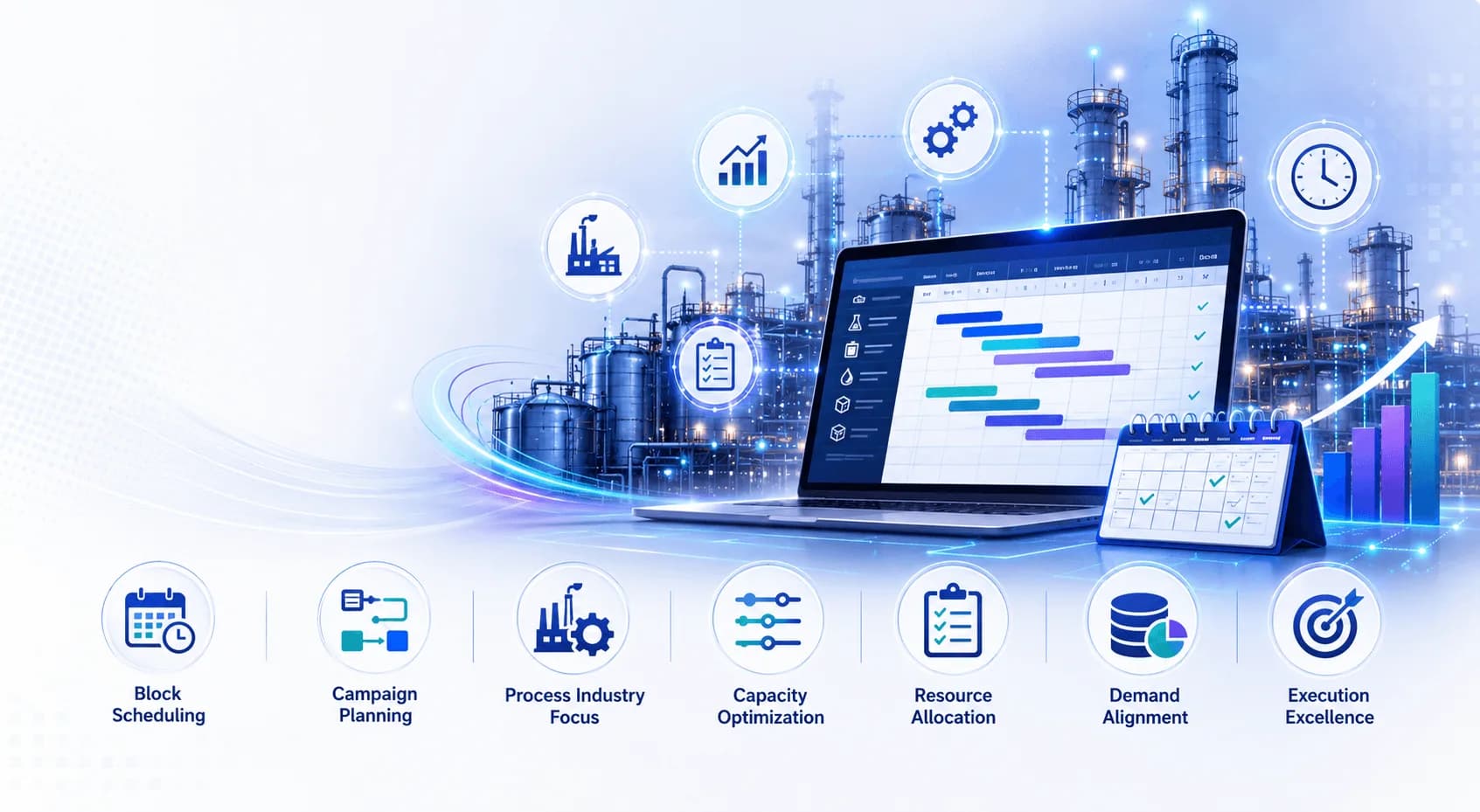
Campaign Planning in SAP PP/DS: Best Practices for Block Scheduling in Process Industries
In process industries, the cost of a single unplanned changeover can run into thousands of dollars in lost production, wasted materials, and cleaning downtime. Whether you are managing a pharmaceutical packaging line, a chemical reactor, or a food processing facility, scheduling efficiency is not a luxury. It is a competitive necessity. SAP PP/DS block scheduling is purpose-built to address this exact challenge, and when applied correctly through campaign planning, it delivers measurable improvements in Overall Equipment Effectiveness (OEE), reduced changeover frequency, and better resource utilization.
This article walks through what block scheduling means in the context of SAP PP/DS, the tools you need, the step-by-step process to implement it, and the expert-backed best practices that separate high-performing planning teams from the rest. If you are preparing for or currently working with SAP PP/DS, understanding campaign planning is essential knowledge.
What Is Block Scheduling in SAP PP/DS?
Block scheduling in SAP PP/DS refers to the practice of grouping similar production orders or operations into defined time blocks on a resource, minimizing the number of changeovers and optimizing the sequence of production runs. Instead of scheduling each order independently, the system clusters them by product family, color sequence, allergen group, or other shared attributes into a "campaign" or "block."
A campaign, in this context, is a planned series of consecutive production runs on the same resource, involving products that require minimal or no changeover between them. Campaign planning is therefore the overarching strategy, while block scheduling is the scheduling mechanism that makes it possible in SAP PP/DS.
The three keywords that define this topic, SAP PP/DS block scheduling, SAP PPDS training, and campaign planning in process industries, are deeply interconnected. You cannot master one without the others.
Quick Facts
| Module | SAP PP/DS (Production Planning & Detailed Scheduling) |
| Industry Focus | Process Industries (Pharma, Food & Beverage, Chemicals, Consumer Goods) |
| Key Feature | Block Scheduling / Campaign Planning |
| Integration | SAP S/4HANA, SAP IBP, SAP EWM |
| Planning Horizon | Short to mid-term (days to weeks) |
| Optimization Engine | SAP PP/DS Optimizer, Heuristics |
| Key Benefit | Reduced changeover time, improved OEE |
| Typical Users | Production Planners, Plant Managers, Supply Chain Teams |
Tools and Resources Required
Before diving into campaign planning, ensure your system environment and planning toolkit are properly configured. Here is what you need:
SAP System Requirements
- SAP S/4HANA 2020 or later (PP/DS is embedded in S/4HANA from 1610 onwards)
- SAP APO with PP/DS module (for legacy environments still on APO)
- Integration with SAP IBP for upstream demand signals
- SAP EWM integration for warehouse-aligned scheduling (optional but recommended)
Planning Tools Within SAP PP/DS
- Production Planning Table (PPT): The primary Gantt-based scheduling board for managing blocks and campaigns visually.
- PP/DS Optimizer: SAP's built-in solver for sequencing optimization using cost-based or time-based criteria.
- Heuristics (DS_RUN, PDS_PLAN): Rule-based planning functions for block generation and resource leveling.
- Detailed Scheduling Board: For drag-and-drop manual adjustments within and across blocks.
- Campaign Planning Monitor: A dedicated cockpit for viewing and managing campaign sequences and utilization.
Supporting Resources
- SAP Help Portal (help.sap.com): Comprehensive PP/DS configuration and functional documentation.
- SAP Community Network (SCN): Active forums for PP/DS-specific questions and use cases.
- TechBrainz SAP PP/DS Training: Structured learning paths for planners and consultants. For a structured learning path covering all the above tools, visit the SAP PPDS Training program by TechBrainz, designed for both functional consultants and production planners.
Step-by-Step Guide to Block Scheduling in SAP PP/DS
Step 1: Define Your Campaign Logic and Grouping Criteria
Before touching the system, map out your business rules for campaign formation. Ask:
- Which products share the same production line or reactor?
- What is the changeover matrix between product pairs (time and cost)?
- What is the minimum and maximum campaign length (quantity or duration)?
- Are there regulatory or quality constraints that prevent certain sequences?
Translate these into PP/DS configuration as sequence-dependent setup times, using the Setup Matrix in the resource master data. This matrix drives the optimizer to prefer sequences with lower changeover costs.
Pro Tip:
Document your changeover matrix before system configuration. A well-defined setup matrix is the foundation of effective block scheduling. Even a rough cost-based matrix (low/medium/high) is far better than defaulting to zero, which makes the optimizer blind to sequencing benefits.
Step 2: Configure Resources and Time Profiles
In SAP PP/DS, resources must be correctly configured to support block scheduling:
- Open Resource Master (transaction /SAPAPO/RES01 or through S/4HANA Fiori).
- Define the capacity category (single-activity or multi-activity resource).
- Assign the work center and link it to the relevant production process model (PPM) or recipe.
- Set up the resource-specific time profile including shift schedules and planned downtime windows.
- Activate sequence-dependent setup times and assign the setup matrix.
Pro Tip:
Use bucket resources for aggregate-level campaign planning and single-activity resources for detailed scheduling. Mixing both gives you flexibility at different planning horizons without overcomplicating the model.
Step 3: Create and Activate Production Process Models (PPMs)
PPMs in SAP PP/DS are the scheduling equivalent of routings and BOMs combined. They contain operations, components, resources, and durations. For block scheduling:
- Ensure each PPM reflects accurate production rates for campaign-sized runs.
- Include cleaning or flushing operations as separate activities within the PPM where applicable.
- Validate that setup and teardown activities are properly modeled to appear in the scheduling board.
Expert Insight:
According to SAP's own benchmarking studies shared at SAP Sapphire events, companies that invested in accurate PPM modeling before deploying the PP/DS optimizer saw 30 to 40 percent better schedule adherence compared to those using generic routings. The quality of your input model directly determines the quality of your optimized output.
Step 4: Generate the Initial Plan Using Heuristics
With master data in place, run the initial planning heuristic to explode demand into planned orders and schedule them on resources:
- Execute transaction /SAPAPO/CDPSB0 (DS Planning Board) or use the PP/DS planning run in S/4HANA.
- Choose the appropriate heuristic based on your scenario (SAP_PP_002 for standard finite scheduling is a common starting point).
- Review the resulting schedule for constraint violations, capacity overloads, and unplanned gaps.
- Use the Alert Monitor to identify scheduling conflicts flagged by the system.
Pro Tip:
Run heuristics in simulation mode first before applying to the live plan. SAP PP/DS allows you to save a planning scenario as a version, so you can compare optimized versus original schedules side by side without impacting the operative plan.
Step 5: Apply Campaign Planning Logic Using the Optimizer
This is the core step where block scheduling becomes campaign scheduling:
- Open the PP/DS Optimizer (transaction /SAPAPO/CDPS_OPT or S/4HANA equivalent).
- Select your optimization objective. For campaign planning, cost minimization with setup cost weighting is typically most effective.
- Set your planning horizon, resource scope, and order selection criteria.
- Define campaign-specific constraints such as minimum campaign quantity, maximum campaign duration, and sequence rules.
- Run the optimizer and review the proposed campaign structure in the DS Planning Board.
- Validate the campaign sequence against your predefined grouping logic from Step 1.
Pro Tip:
Do not aim for a single perfect optimizer run. The best practice is an iterative approach: run the optimizer, review, make targeted manual adjustments for known business exceptions (scheduled maintenance, customer priorities), and then re-optimize. Two to three cycles typically yield a schedule that is both mathematically near-optimal and practically executable.
Step 6: Review, Adjust, and Release
Post-optimization, conduct a structured review:
- Confirm that campaign boundaries align with planned maintenance windows.
- Check that high-priority orders are not buried in the middle of a long campaign where delays compound.
- Validate inventory implications using the stock situation view within the DS Planning Board.
- Release approved orders to production by converting planned orders to process orders.
Pro Tip:
Set up a recurring weekly campaign review meeting involving planners, plant managers, and quality teams. SAP PP/DS gives you the scheduling tool, but the campaign plan is a cross-functional agreement. Making it a formal review process dramatically improves shop-floor adherence.
Step 7: Monitor and Continuously Improve
Block scheduling is not a set-and-forget activity. Build a continuous improvement loop:
- Track actual versus planned campaign durations using PP/DS reporting and integration with SAP MII or SAP ME.
- Review your setup matrix quarterly and update it based on actual changeover data.
- Use PP/DS exception messages and alert categories to catch deviations early.
- Regularly recalibrate your optimizer cost parameters based on real production outcomes.
Expert Insight:
Industry data from MESA International's manufacturing benchmarking reports shows that manufacturers using structured campaign planning with integrated APS tools like SAP PP/DS typically achieve 15 to 25 percent reduction in changeover-related production losses within 12 months of deployment, provided they maintain consistent data quality and planner discipline.
Related Reading
If your organization is running SAP GRC and facing upcoming maintenance deadlines, do not miss our guide: SAP GRC Process Control 12.0 End of Maintenance: Migration Action Plan Before December 2027. Understanding your SAP landscape roadmap is critical to ensuring your PP/DS investments align with your broader SAP S/4HANA migration strategy.
Conclusion
Campaign planning through block scheduling in SAP PP/DS is one of the highest-ROI capabilities available to process industry manufacturers. When configured and operated correctly, it reduces changeover frequency, improves resource utilization, and gives planners a clear, executable production sequence that the shop floor can actually follow.
The best results come from combining solid master data (especially your setup matrix and PPMs) with the right optimizer settings, disciplined iterative planning cycles, and a cross-functional review process. Technology alone does not create an effective campaign plan. People, process, and system configuration must work together.
Whether you are new to SAP PP/DS or looking to sharpen your campaign planning skills, structured training accelerates your capability significantly. The SAP PPDS Training program from TechBrainz covers everything from master data configuration to optimizer tuning, with real-world process industry scenarios built into the curriculum.
Frequently Asked Questions (FAQs)
1. What is the difference between campaign planning and block scheduling in SAP PP/DS?
Campaign planning is the business strategy of grouping related production runs to minimize changeovers and maximize resource efficiency. Block scheduling is the scheduling mechanism within SAP PP/DS that implements this strategy by assigning and sequencing those grouped orders into defined time blocks on a resource. Campaign planning is the what; block scheduling is the how.
2. Is SAP PP/DS block scheduling available in SAP S/4HANA, or only in SAP APO?
Block scheduling is available in both environments. From SAP S/4HANA 1610 onwards, PP/DS is embedded directly within S/4HANA, meaning you no longer need a separate APO system. The functionality is broadly equivalent, though the S/4HANA embedded version benefits from tighter integration with other S/4HANA modules and Fiori-based user interfaces.
3. Which process industries benefit most from SAP PP/DS campaign planning?
Industries with high changeover costs, sequence-dependent setups, and large product variety benefit most. This includes pharmaceuticals (cleaning validation between products), food and beverage (allergen management, flavor sequences), chemicals (reactor flushing between grades), cosmetics, and consumer packaged goods. Any industry where the cost or time of changing between product types is significant is a strong candidate.
4. How does the SAP PP/DS optimizer determine the best campaign sequence?
The optimizer uses a mathematical solver that evaluates scheduling options based on defined objective functions and constraints. For campaign planning, the most relevant inputs are the setup cost matrix (which defines the cost of switching between any two products), campaign length constraints, due date penalties, and resource utilization targets. The optimizer iteratively evaluates and improves sequences until it reaches a local optimum within the allowed runtime.
5. What is a setup matrix in SAP PP/DS, and why does it matter for block scheduling?
A setup matrix, called a sequence-dependent setup time table in SAP PP/DS, defines the setup time and cost required when switching from one product or product group to another on a specific resource. It is a square matrix where each cell represents a "from-product" and "to-product" combination. Without an accurate setup matrix, the optimizer cannot distinguish between favorable and unfavorable production sequences, and the quality of your block schedule will be significantly degraded.
6. Can SAP PP/DS handle campaign planning across multiple resources or production lines simultaneously?
Yes. SAP PP/DS supports multi-resource campaign planning. The optimizer can consider interdependencies between resources, including parallel lines, shared upstream or downstream resources, and alternate resource scenarios. However, multi-resource optimization is computationally more complex, and it is advisable to start with single-resource campaign planning to build configuration and planner proficiency before expanding scope.
7. How do I handle urgent or priority orders that need to break into a running campaign?
SAP PP/DS allows you to assign priority flags and due date penalty costs to orders. In practice, the recommended approach is to freeze the current campaign in progress and insert the priority order at the earliest available position before the next campaign block begins, rather than interrupting a running campaign. If interruption is unavoidable, the setup matrix cost difference should be explicitly reviewed and approved by the production manager. The DS Planning Board supports manual drag-and-drop adjustments for these scenarios.
8. How does SAP PPDS training help with implementing campaign planning?
Structured SAP PPDS training gives planners and consultants both the theoretical understanding and the hands-on system experience needed to configure resources, set up the optimizer, design setup matrices, and interpret planning results effectively. Without proper training, many organizations underutilize PP/DS capabilities, relying on manual scheduling when the optimizer could deliver significantly better outcomes. The TechBrainz SAP PP/DS Training program is specifically designed around real process industry scenarios to accelerate this learning curve.
About the Author
TechBrainz SAP PP/DS Training Team
This article has been written by the TechBrainz SAP PP/DS Training Team, a group of certified SAP consultants and industry practitioners with combined experience of over 50 years in SAP supply chain, production planning, and process industry implementations. The team develops curriculum, training materials, and practical guidance for professionals seeking to build or advance their SAP PP/DS expertise. TechBrainz is a leading SAP training provider trusted by individuals and enterprises across the globe.
© 2025 TechBrainz. All rights reserved. | www.techbrainz.in